
Wholesale catalog software
One product list. A PDF for the inbox, a private link for orders.
Cloud Catalogue keeps your SKUs, prices and minimums in one place, then delivers them as a printable catalog PDF or as a private online catalog where a buyer can send an order request.
One-time demo, no account or card. Sample edits stay on your device.
PDF or private link: which one when?
A PDF catalog suits trade shows, email attachments and buyers who print and mark up. It's a fixed snapshot: change a price, and you send a new file. Pages come in US Letter or A4.
A private link suits buyers who are ready to order. They see your current products, enter quantities and send an unpaid order request. Each link can carry its own selection of products and its own wholesale prices for that retailer, and you can turn it off at any time. Anyone who has the link can open it, so send it only to the buyer.
Both come from the same product list, so you never rebuild a catalog after a price change. See the order form page for the buyer side.
Step by step
- 01
Add products once
Type them in or import a CSV with SKU, name, MSRP, wholesale price, MOQ and optional size, color, case pack, UPC and lead time.
- 02
Pick a template
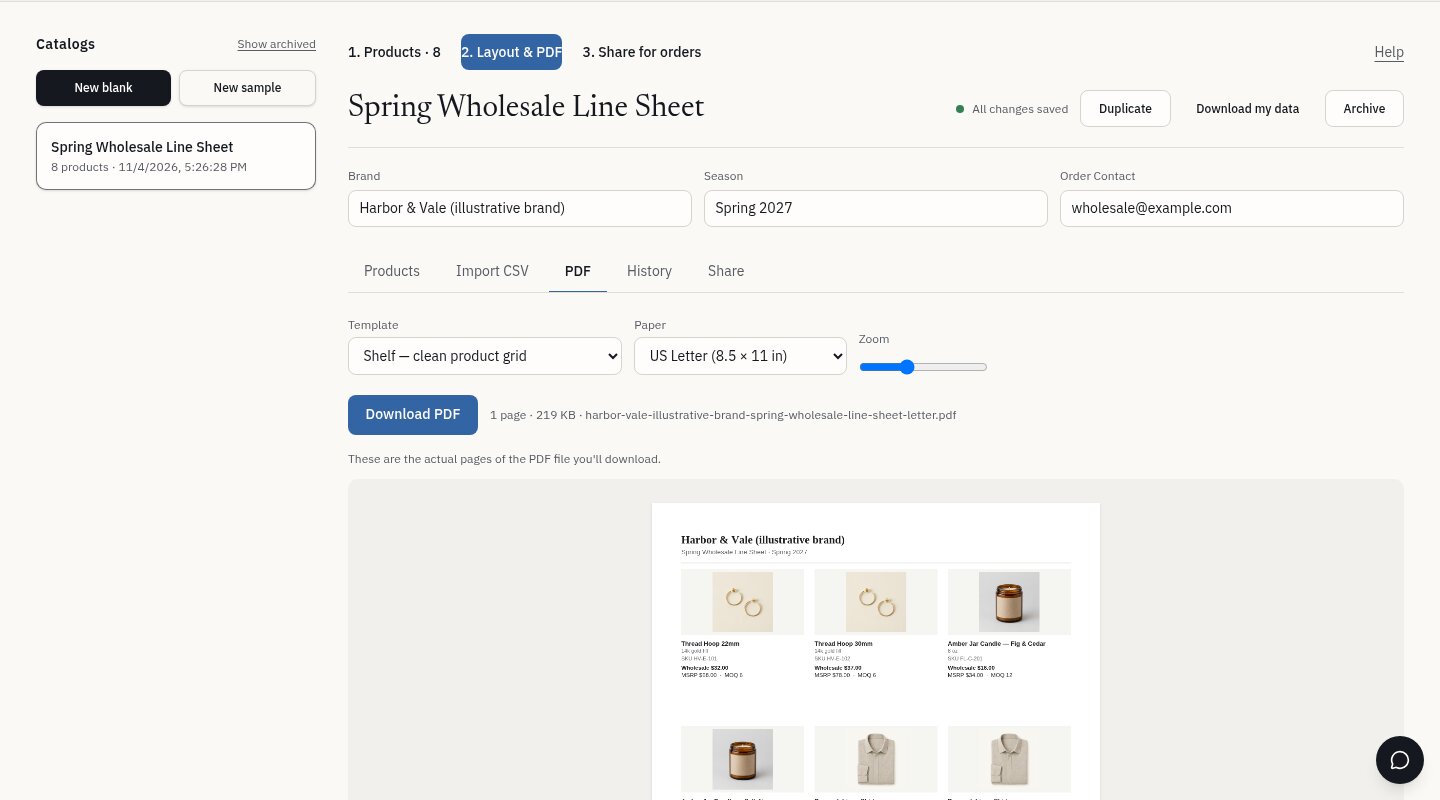
Choose Atelier, Shelf or Rack and Letter or A4, then check the exact PDF preview.
- 03
Send the PDF
Download the file and attach it, print it or bring it to a show.
- 04
Or share a link
Create a private link per retailer, optionally with a narrower assortment and tailored prices, and review requests as they come in.
What it does today
- Cloud-saved catalogs with autosave and version history
- CSV import with a change review, and CSV export of your own data
- Three PDF templates, US Letter or A4
- Private, revocable buyer links with an expiry date
- Per-link product selection and wholesale prices
- Per-SKU minimums and case packs, checked again on the server
- A request dashboard with statuses and private notes per company
What it does not do
- No Shopify or other store sync. Products come from the editor or a CSV.
- No payments, invoices, inventory, shipping or fulfillment.
- No minimum order value per request, only minimums per SKU.
- Prices are in US dollars only.
Common questions
Do I have to choose between the PDF and the link?
No. Both read from the same catalog, so you can send a PDF to one buyer and a link to another.
Can two retailers see different prices?
Yes. Each link can override the wholesale price per product and hide products that retailer shouldn't see. Your main catalog isn't changed.
Does a buyer need to sign up?
No. The link is the access. That's why it should only be sent to the intended buyer, and revoked if it's forwarded.
What happens to old PDFs when I change prices?
Nothing. A PDF is a file you already sent. Download a new one, and use version history if you need to see what an earlier edition contained.
Choose one sample layout to try.
Related: See the three catalog templates