
Wholesale order form
Let buyers send an order request straight from your catalog.
Instead of a spreadsheet passed back and forth by email, share a private link. Buyers choose quantities, see a running subtotal, and submit a request you review before anything is agreed.
One-time demo, no account or card. Sample edits stay on your device.
An order request, not a payment
A request in Cloud Catalogue is an unpaid order request. It is not a confirmed order, an invoice or a payment. You review it, mark it as reviewing, accepted or declined, and arrange payment and shipping with the buyer the way you do today.
When a buyer submits, the prices and quantities are saved as a fixed snapshot. Later price edits don't change what that buyer asked for.
Step by step
- 01
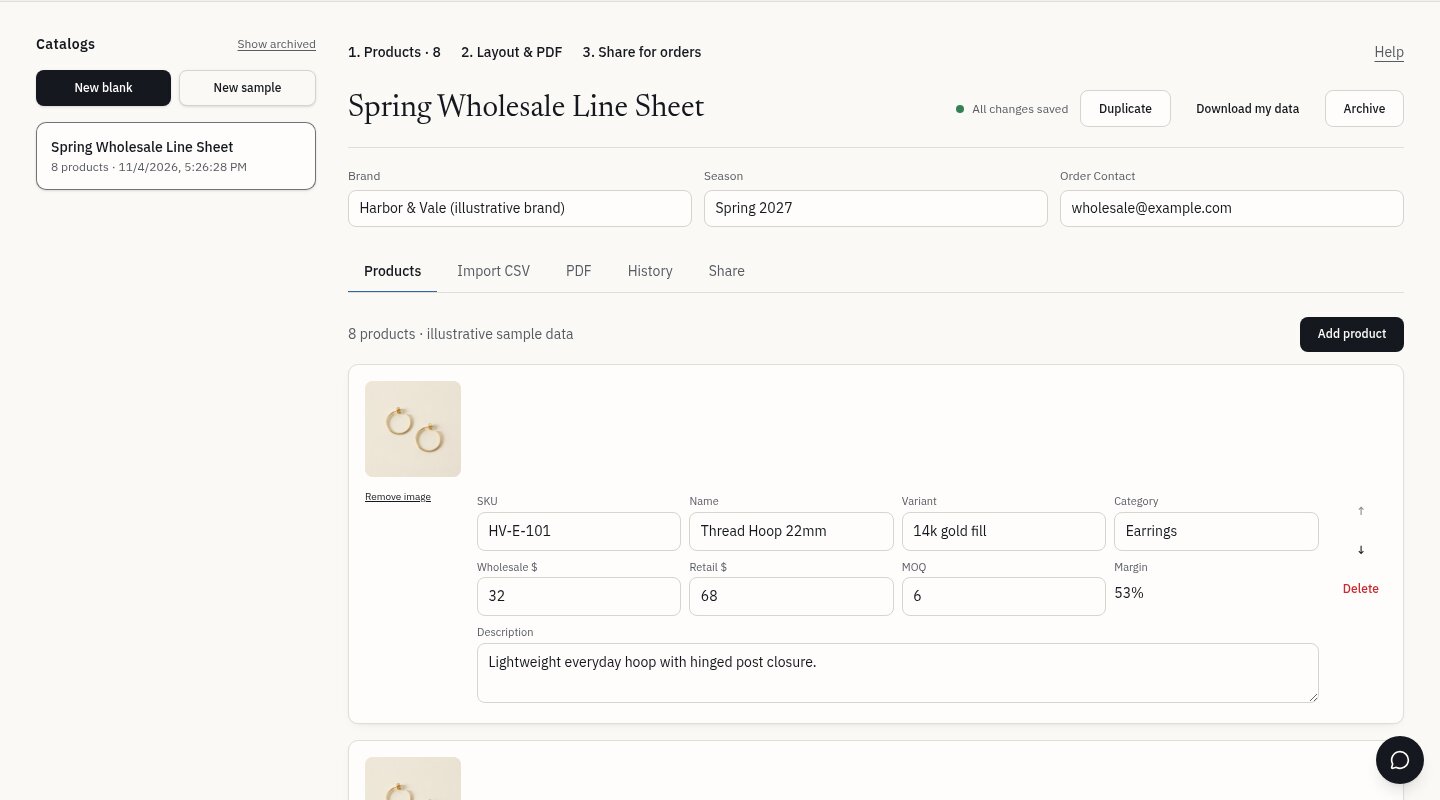
Build the catalog
Add products with SKU, wholesale price and minimum order quantity, or import them from a CSV.
- 02
Create a private link
Generate a hard-to-guess link for a buyer. You can set it to expire and turn it off at any time.
- 03
Buyer picks quantities
The buyer enters quantities, company and contact details, and an optional note such as a delivery window or PO reference. Minimums are checked before they submit, and no account is required.
- 04
Review the request
Requests appear in your dashboard with statuses (new, reviewing, accepted, declined) and private notes per retailer company.
What a good order form includes
- SKU, variant and wholesale price beside each quantity box
- Minimum quantities enforced, so requests arrive complete
- A live subtotal the buyer can check before submitting
- Company and contact details, plus a note for delivery window or PO reference
- A clear review step and a single submit, so requests aren't sent twice
- Plain wording that the request is not yet a confirmed order
Important limits
- No online payment, invoicing, inventory or fulfillment.
- Order requests are included in the Wholesale and Growth plans. They are requests, not payments or confirmed orders.
- Links are private and kept out of search engines. Only people you send them to can open them.
Common questions
Does the buyer need an account?
No. Anyone with the private link can browse the catalog and submit a request.
Is a submitted request a confirmed order?
No. It's an unpaid request. You decide whether to accept it, then handle payment and shipping outside Cloud Catalogue.
What if I change prices after sending the link?
New requests use the current catalog. Requests already submitted keep the prices the buyer saw.
Can I stop a link from working?
Yes. Links can be revoked at any time or set to expire.
Can I try it without real buyers?
Yes. The free one-time demo shows how sample products, prices and minimums look in a real PDF before you share anything.